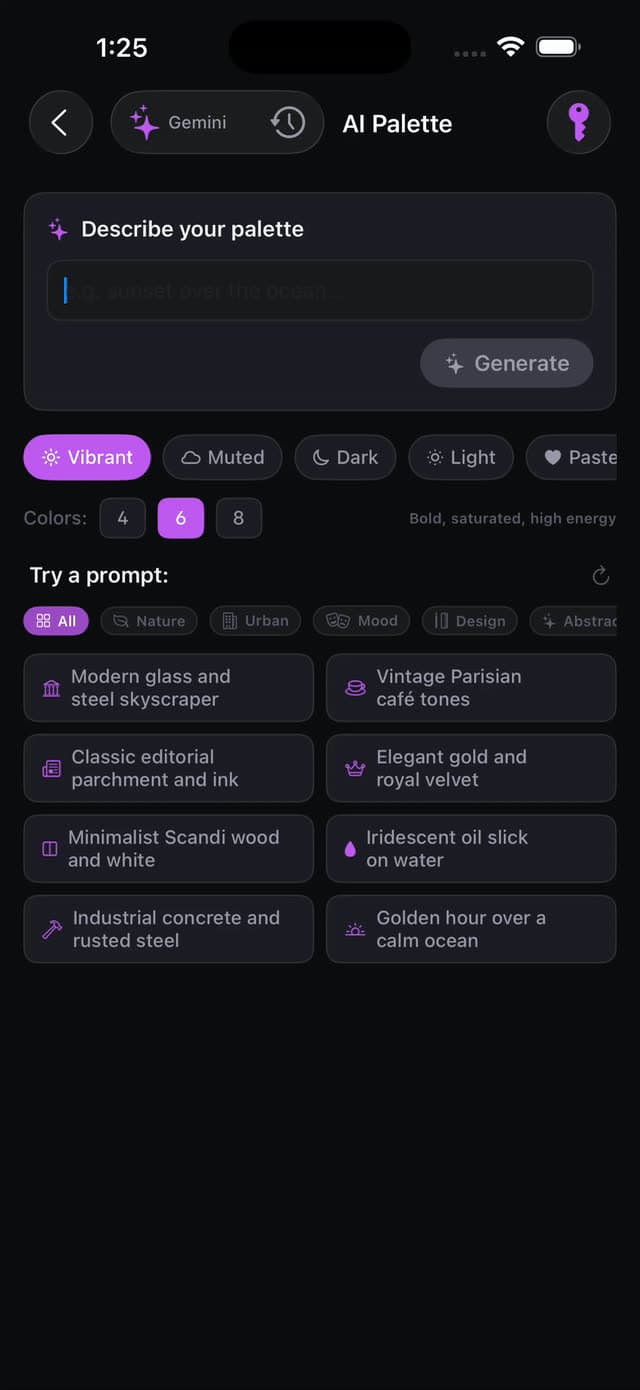
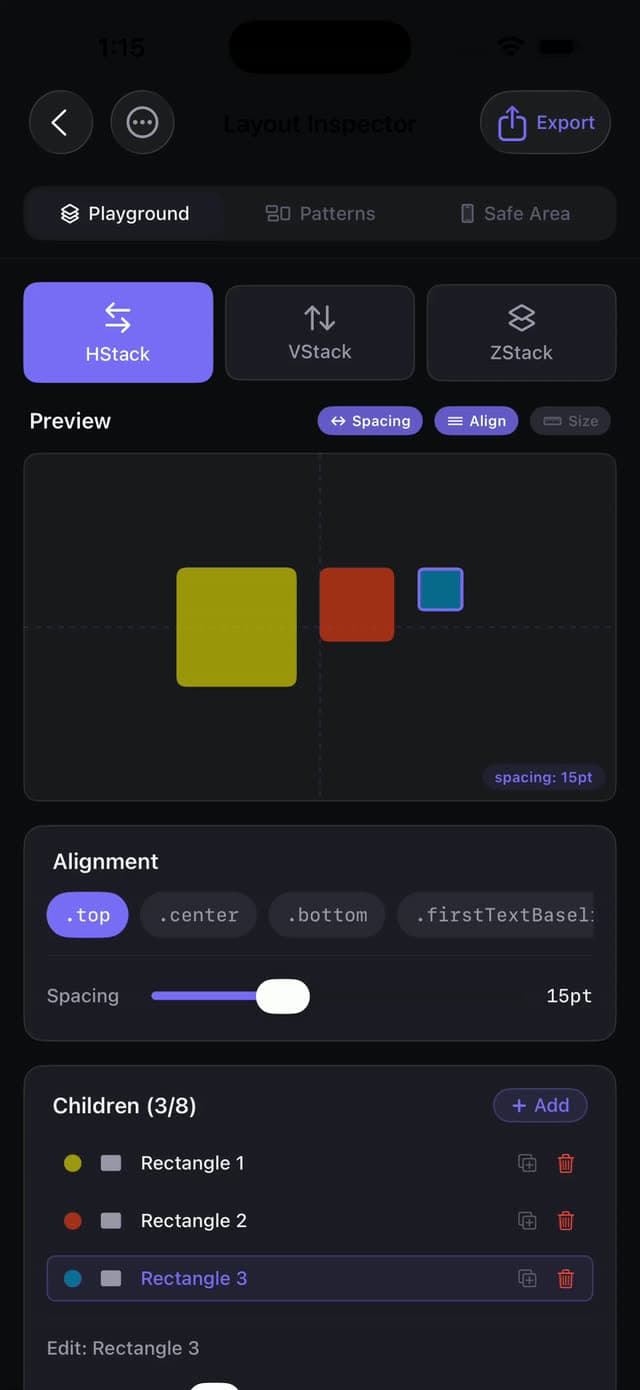
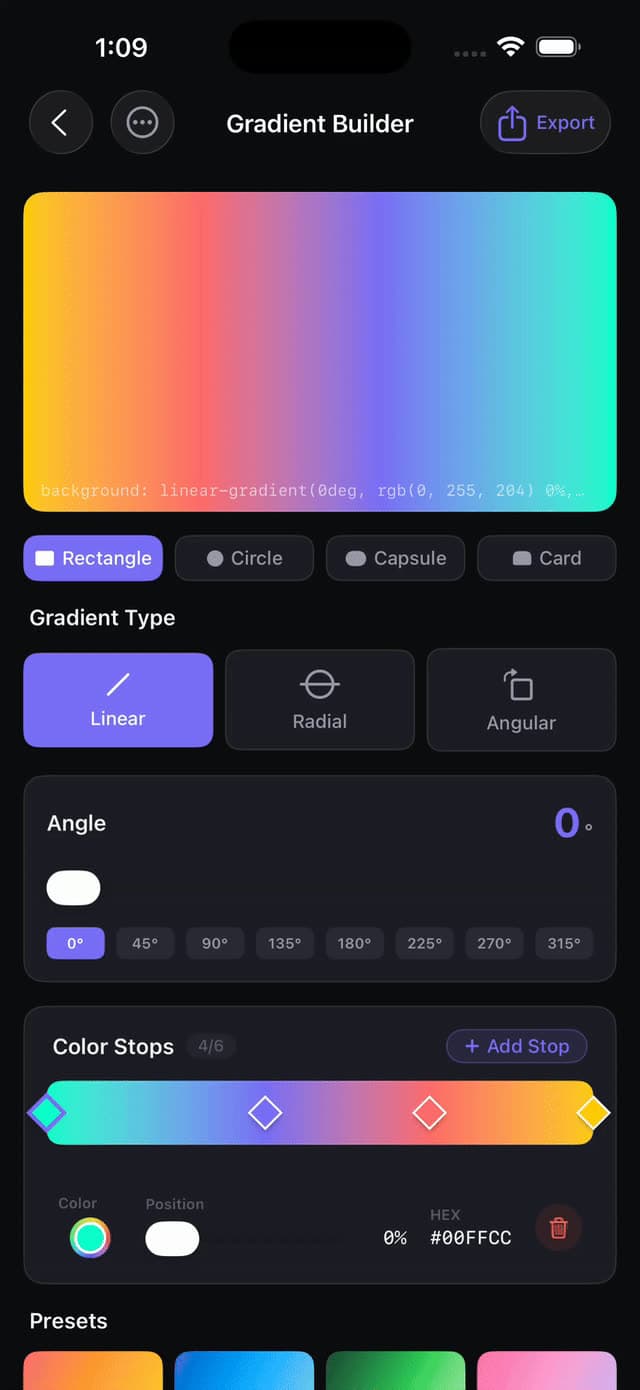
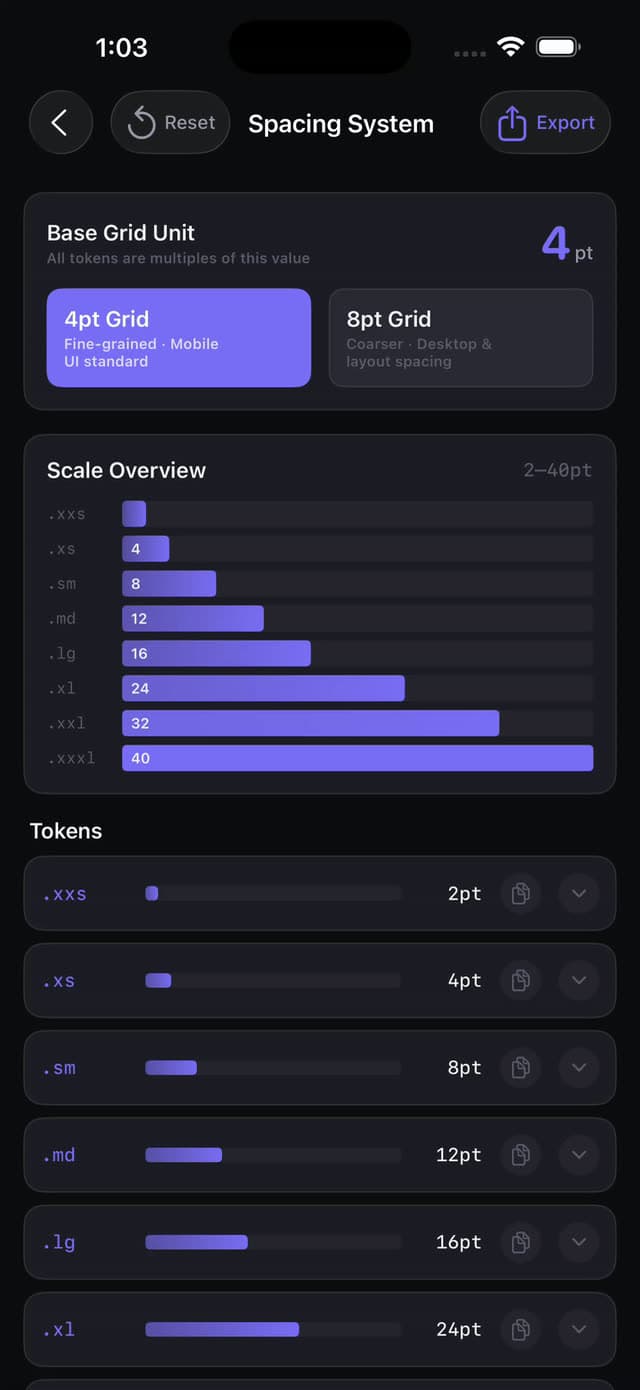
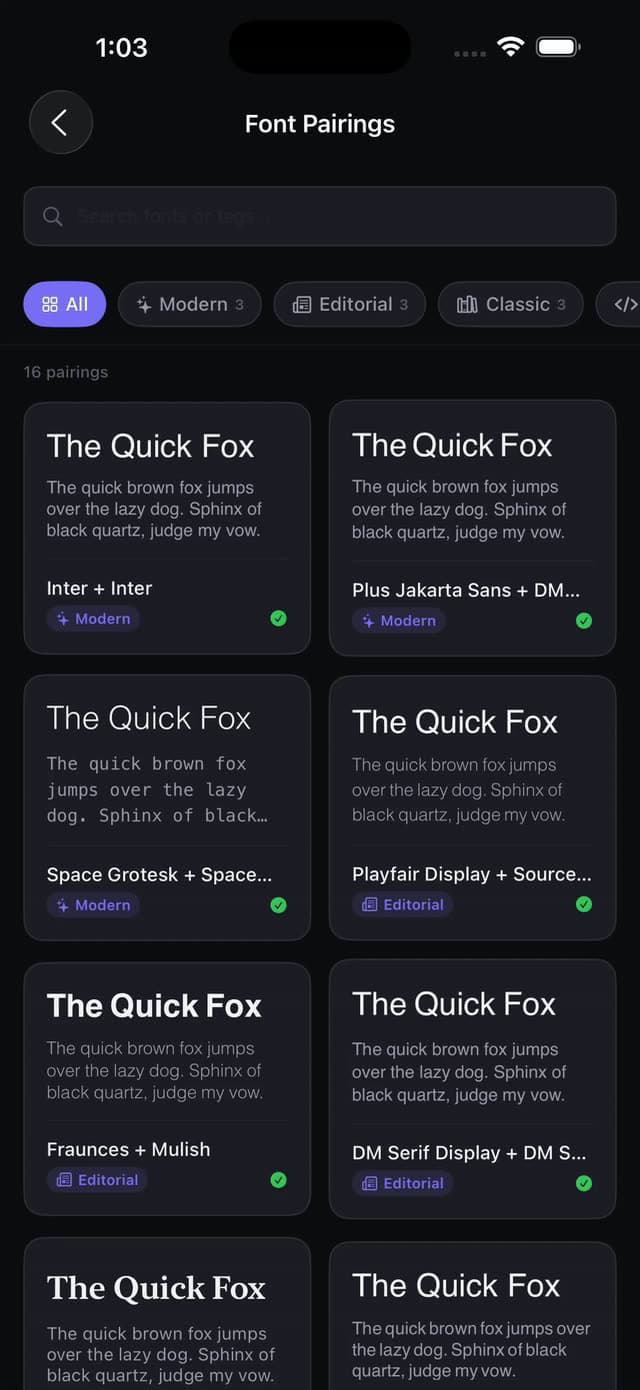
Describe a mood - "indigo dusk", "terminal green" - and get a structured palette with roles and usage hints. Claude, Gemini, and OpenRouter sit behind one protocol; OpenRouter is the zero-setup default, so it works the moment you install.
Tools/TokenExporter.swift
Tokens that leave the app
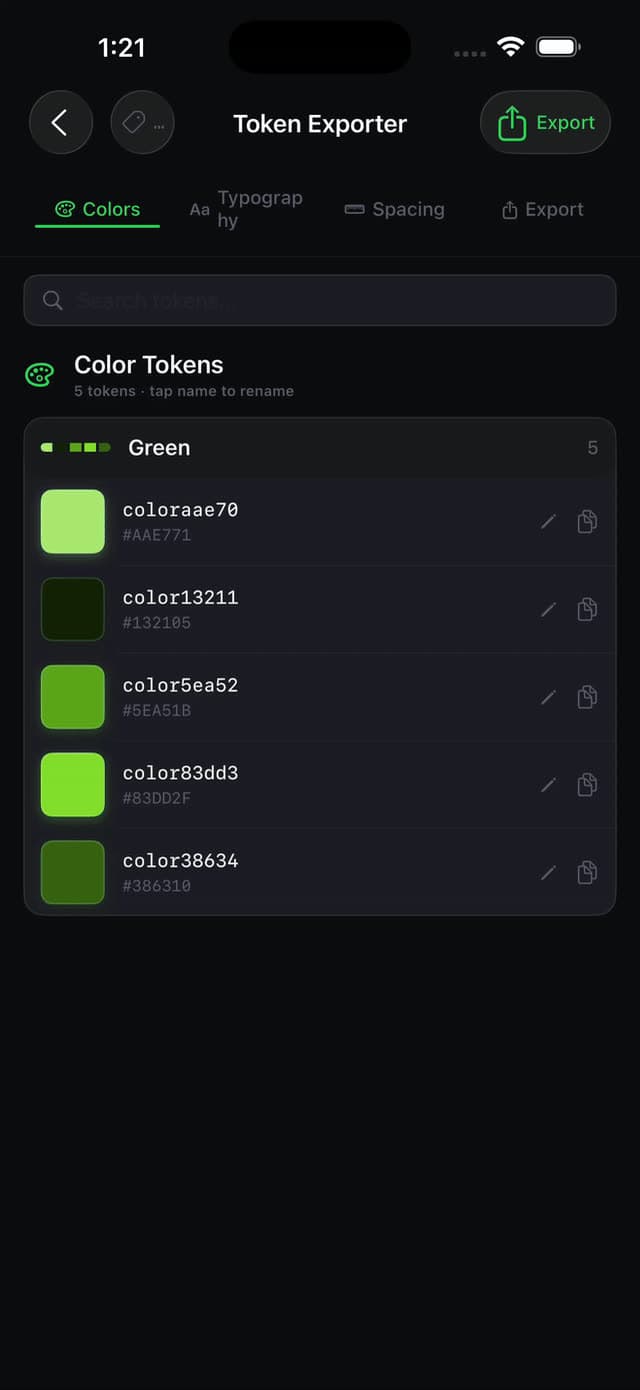
Any saved palette exports as a Swift enum, W3C design-token JSON, or CSS custom properties - straight from SwiftData into your codebase. The section below runs on exactly that output.
Tools/TypeScale.swift
Typography, computed
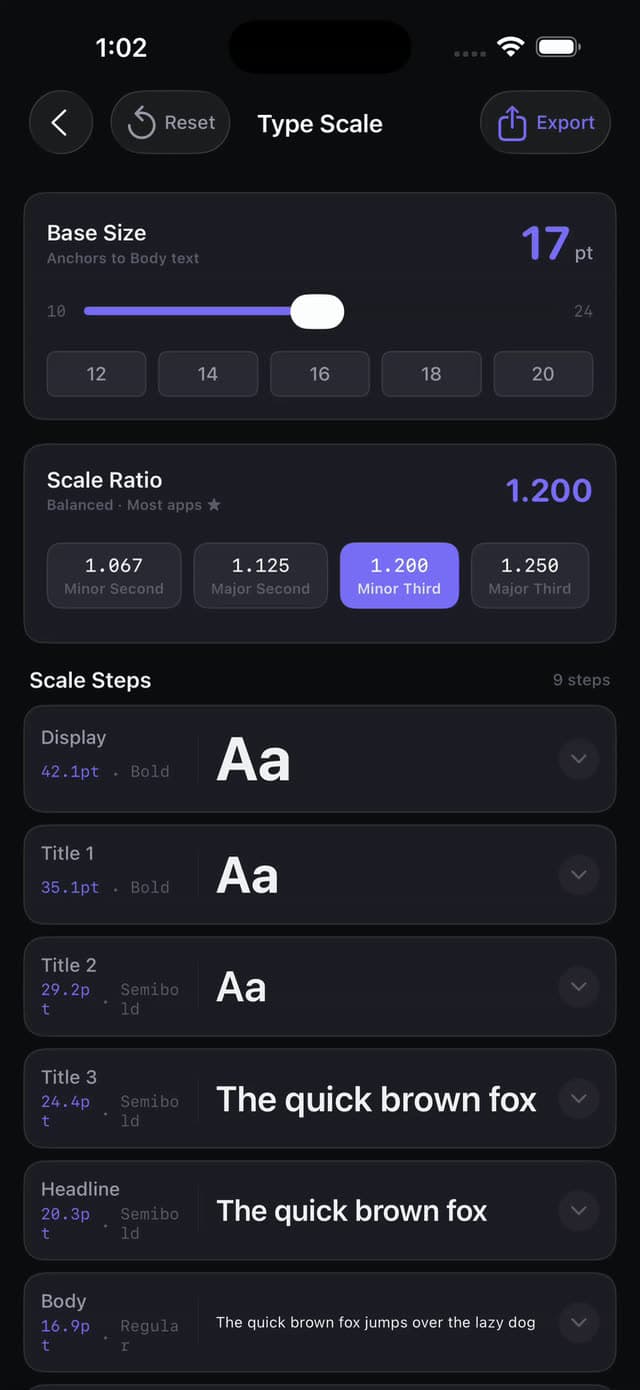
Eight modular-scale ratios generate a full type ramp with live preview, and Font Pairing combines Google Fonts with system faces - CoreText loading runs on an actor so the UI never blocks.
TypeScale.playground
39.1pxDesign is math
31.3pxDesign is math
25pxDesign is math
20pxDesign is math
16pxDesign is math
Tools/ContrastChecker.swift
WCAG math, verified
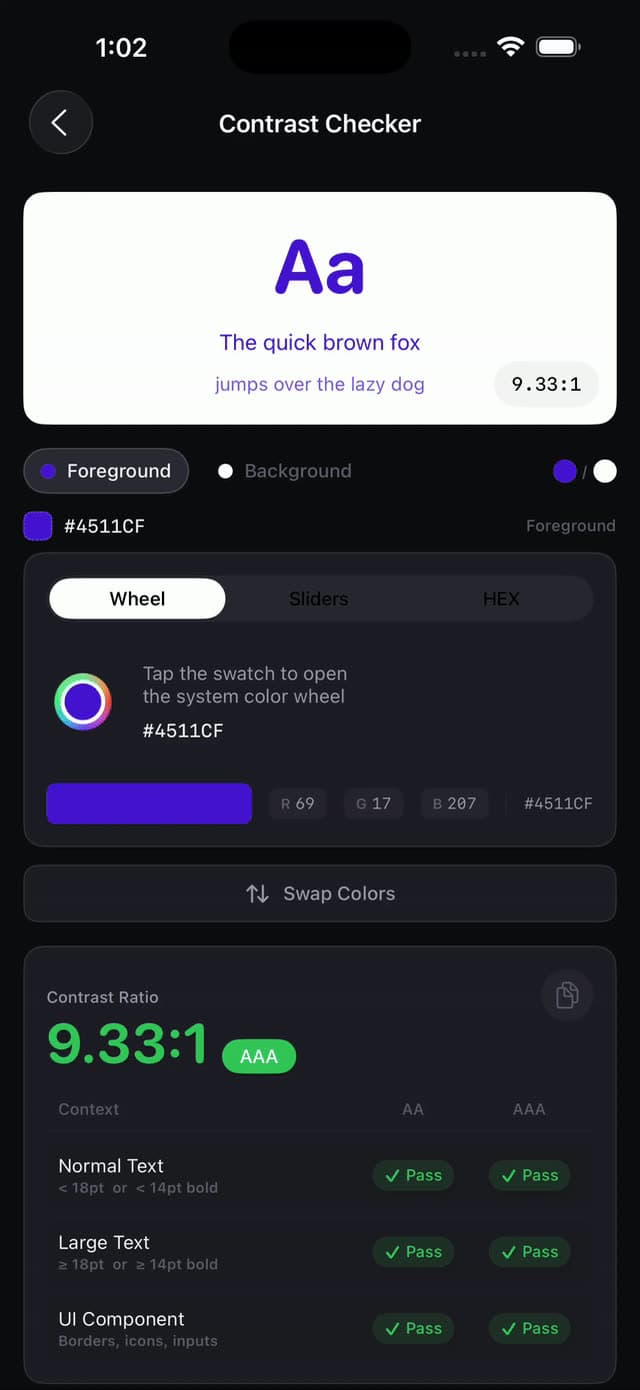
AA and AAA compliance with suggested passing alternatives when a pair fails. The contrast algorithms are covered by unit tests - part of the ~771 that guard this codebase.
Contrast.playground
Aa 14px
4.47:1
✗ AA✗ AAA✓ AA large
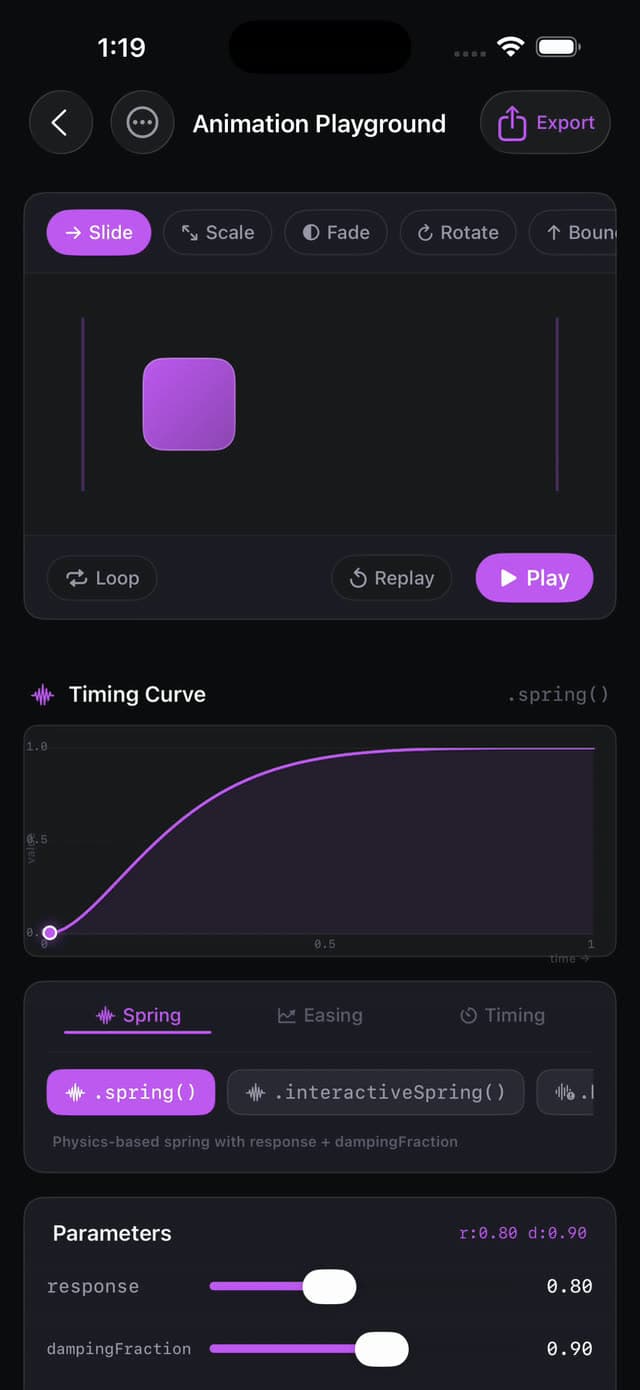
Symbols that move.
Two tools cover SF Symbol motion from both ends. Metal Symbols runs four [[stitchable]]shaders on the GPU; Symbol Effects wraps Apple’s six native .symbolEffect animations. Both emit the SwiftUI you’d actually paste.
DevDesign’s Token Exporter emits Swift enums, W3C JSON, and CSS custom properties from live palettes. These are this page’s actual tokens - including the palette you generated in the hero - in all three formats. Change the base color up there and watch these update.
:root {
--dd-bg: #0b0d16;
--dd-surface: #12141f;
--dd-border: #232739;
--dd-fg: #e6e8f0;
--dd-muted: #8b93a7;
--dd-accent: #6366f1;
--dd-accent-alt: #d27af3;
--dd-analogous: #63adf1;
--dd-pop: #f4f288;
--dd-deep: #1215c3;
}
Claims you can run.
zsh - verify
$ swift package show-dependencies
No external dependencies found.
$ swift test
✓ Executed 771 tests across 21 files, with 0 failures.
$ networksetup -setairportpower en0 off
Every tool still works - only AI Palette touches the network.
SwiftData + CloudKit
Saved palettes persist locally and sync across devices - still no backend of mine involved.
Actor-based CoreText
Font loading runs on an actor, keeping scrolling smooth while hundreds of faces load.
ImageRenderer export
App icons render in all 14 iOS sizes with Contents.json - generated fully on-device.
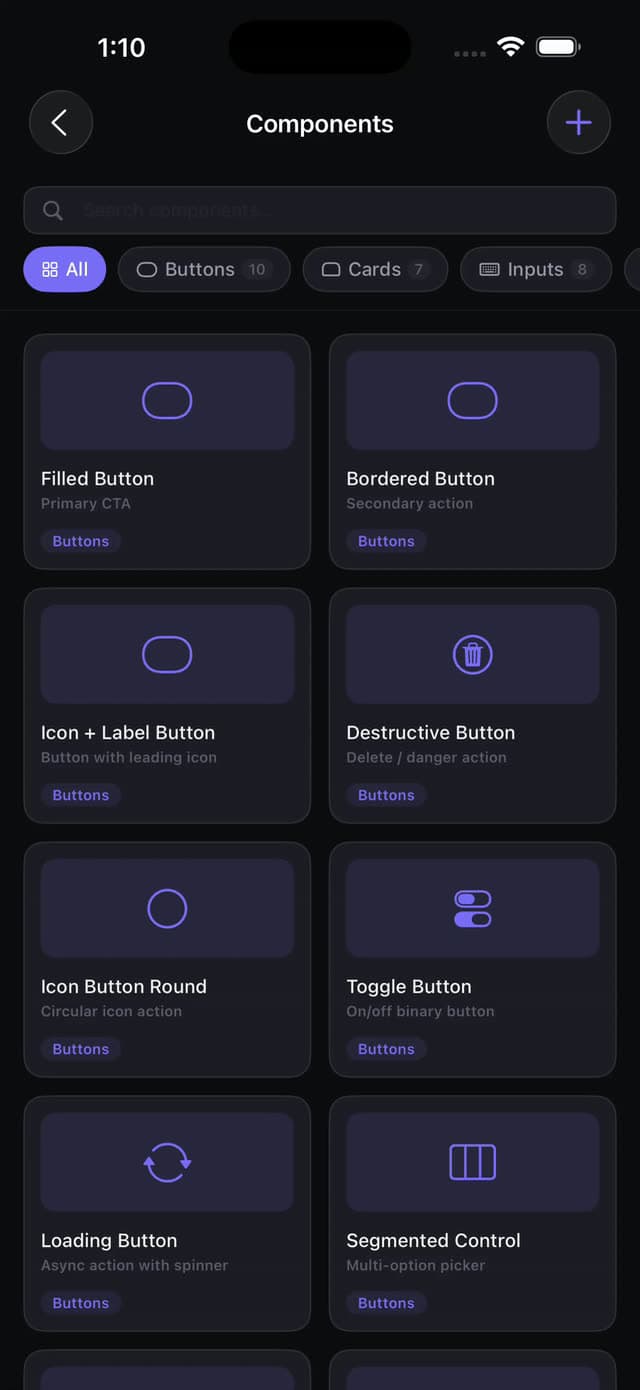
open -a "the rest of the toolbox"
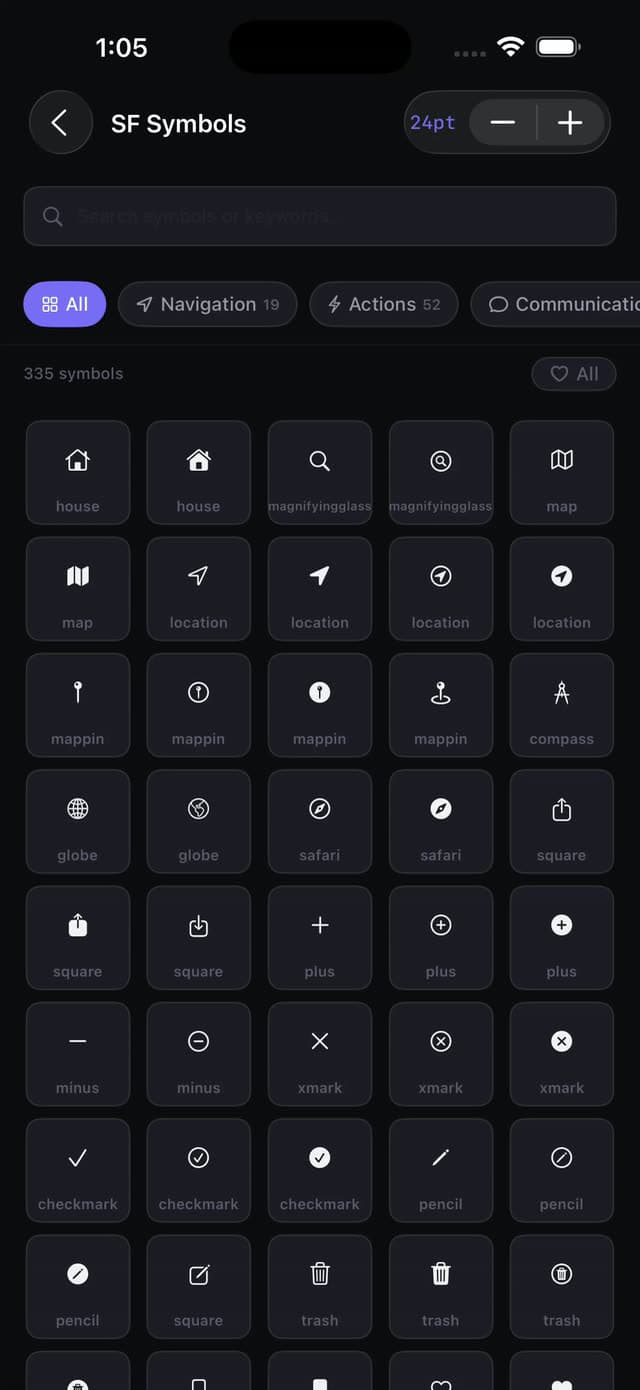
SFSymbols.swift
Snippets.swift
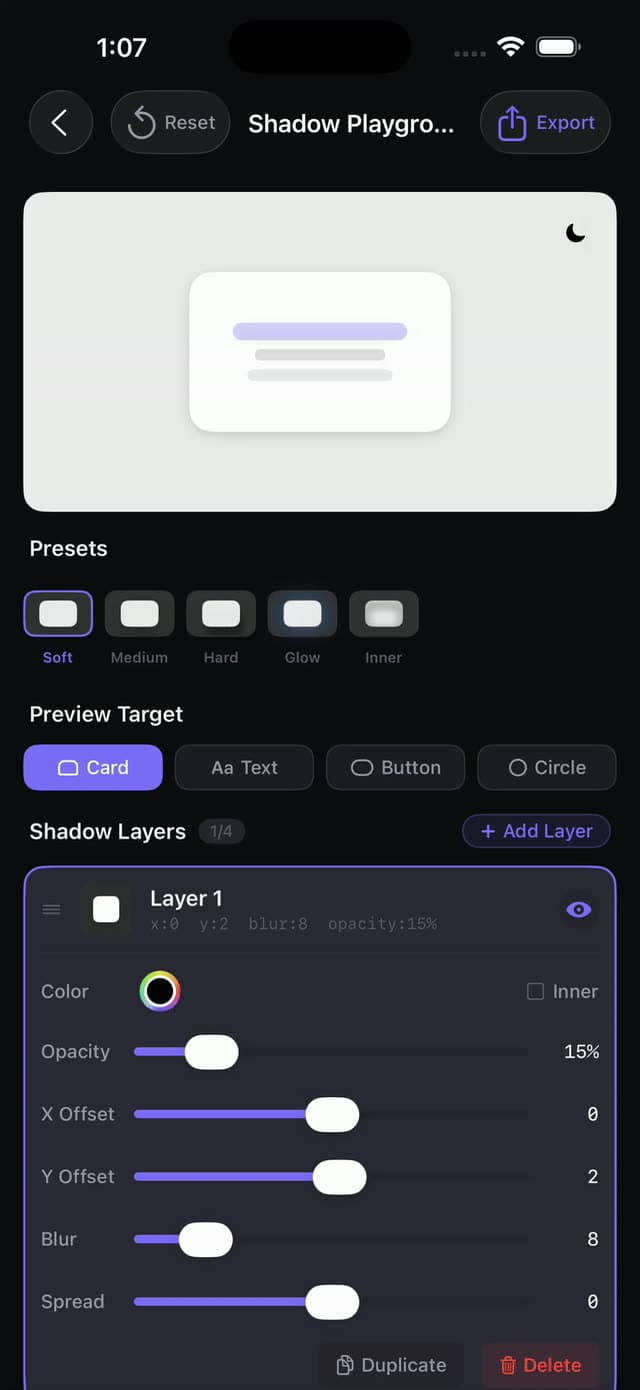
Shadows.swift
Springs.swift
Layout.swift
Gradients.swift
Spacing.swift
Pairings.swift
brew install your design sense.
The whole toolkit is public on GitHub - clone it, run the 771 tests, and take it apart.